Table of contentsClick link to navigate to the desired location
This content has been automatically translated from Ukrainian.
HAR file (HTTP Archive) is a special file format .har that stores the log of a web browser's interaction with the network.
Essentially, it is a record of all HTTP(S) requests and responses that occurred during the page load. It contains:
- addresses of all resources (HTML, CSS, JS, images, API requests, etc.),
- the execution time of each request,
- headers,
- request and response bodies (if enabled),
- status codes (200, 404, 500, etc.),
- information about redirects, cookies, caching.
Used for:
- diagnosing website issues (slow loading, API errors),
- analyzing traffic between the client and server,
- reproducing or debugging errors in technical support,
- security checks.
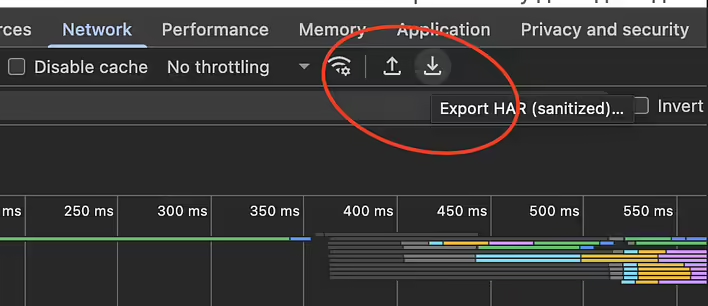
A HAR file can be captured in most browsers (Chrome, Firefox, Edge) via DevTools → Network tab → Export HAR.
How to open a HAR file?
The easiest way is a text editor or code editor. But let's look at it in more detail.
The simplest ways
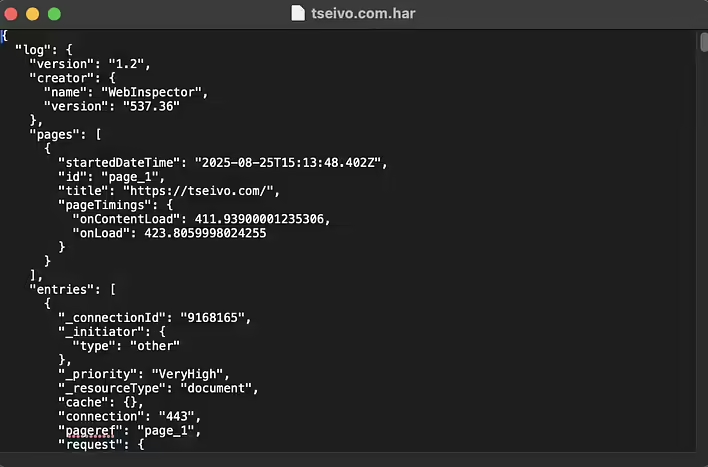
- Any text editor (Notepad, VS Code, Sublime Text) - to see the "raw" data in JSON format.
-
Browser - Chrome, Firefox, Edge have built-in HAR viewers:
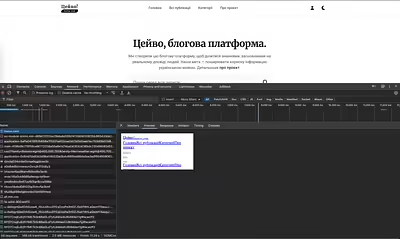
- Open DevTools → Network tab → drag the HAR file there, and it will display as a list of requests.
Convenient viewers
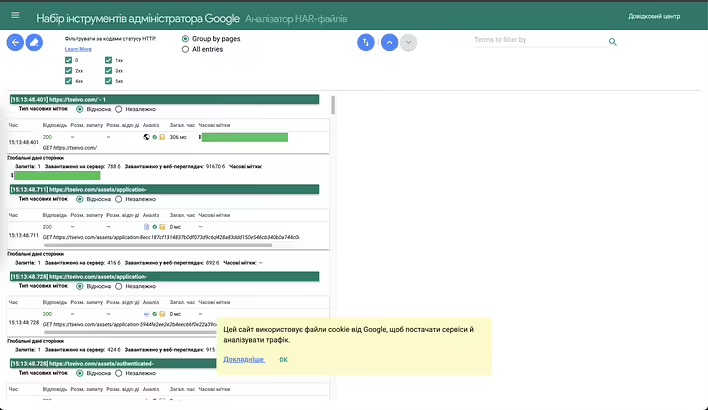
- Google HAR Analyzer - a web service from Google for visualization. https://toolbox.googleapps.com/apps/har_analyzer/
- HAR Viewer (online tools like harviewer.org).
- Fiddler, Charles Proxy, Wireshark - professional network traffic analysis tools that support HAR import.