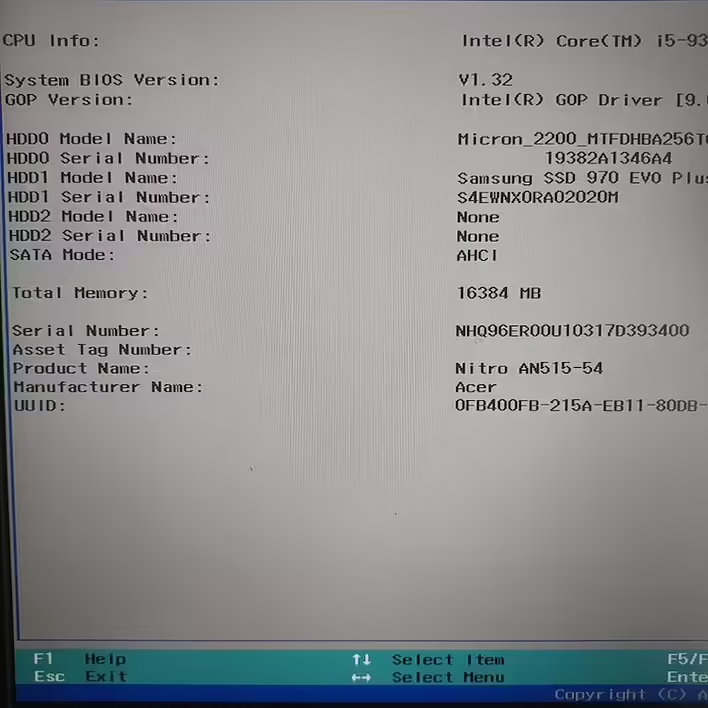
How to enter BIOS on Acer Nitro 5 (AN515-54-5304) laptop?
Usually, you need to enter BIOS before installing the operating system to change some settings and allow the computer to boot from an external drive. For example, recently during the installation of Ubuntu on Acer Nit...
·1 min. read
Share
This content has been automatically translated from Ukrainian.
Usually, you need to enter BIOS before installing the operating system to change some settings and allow the computer to boot from an external drive. For example, recently during the installation of Ubuntu on Acer Nitro 5, I referred to a search engine to find out how to enter BIOS. Depending on the model, there may be different keys - Delete, F1, F2, or F10.
In my case with Acer Nitro 5 (AN515-54-5304), it was F2.
#1 Step. Turn off and turn on the laptop.
Use the Power button.#2 Step. Press F2 to enter BIOS.
Immediately after pressing the power button - press F2 (you can press it several times in a row to not miss the right moment).
After this, the BIOS will open. And we can further configure the things we need.