This content has been automatically translated from Ukrainian.
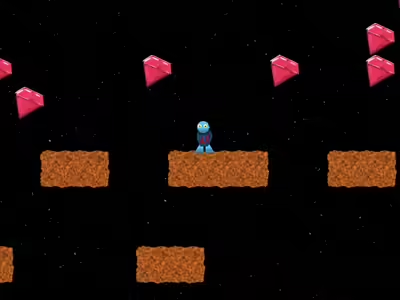
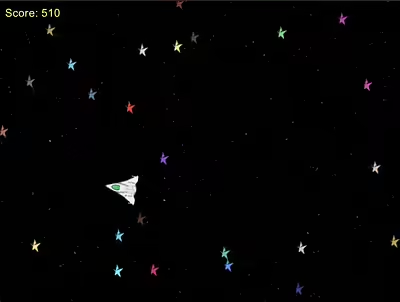
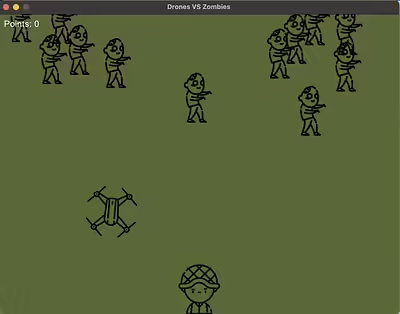
Gosu is a popular gem for Ruby that provides a simple and powerful interface for creating 2D games. It includes features for working with graphics, sound, and input (controls).
While trying to install the Gosu library, I received the following error:
~ gem install gosu
Building native extensions. This could take a while...
ERROR:  Error installing gosu:
ERROR: Failed to build gem native extension.

    current directory: /Users/user/.rbenv/versions/3.2.1/lib/ruby/gems/3.2.0/gems/gosu-1.4.6/ext/gosu
/Users/user/.rbenv/versions/3.2.1/bin/ruby extconf.rb
The Gosu gem requires some libraries to be installed system-wide.
See the following site for a list:
https://github.com/gosu/gosu/wiki/Getting-Started-on-OS-X
*** extconf.rb failed ***
Could not create Makefile due to some reason, probably lack of necessary
libraries and/or headers.  Check the mkmf.log file for more details.  You may
need configuration options.

Provided configuration options:
--with-opt-dir
--without-opt-dir
--with-opt-include
--without-opt-include=${opt-dir}/include
--with-opt-lib
--without-opt-lib=${opt-dir}/lib
--with-make-prog
--without-make-prog
--srcdir=.
--curdir
--ruby=/Users/user/.rbenv/versions/3.2.1/bin/$(RUBY_BASE_NAME)
extconf.rb:71:in ``': No such file or directory - sdl2-config (Errno::ENOENT)
from extconf.rb:71:in `<main>'

extconf failed, exit code 1

Gem files will remain installed in /Users/user/.rbenv/versions/3.2.1/lib/ruby/gems/3.2.0/gems/gosu-1.4.6 for inspection.
Results logged to /Users/nikita/.rbenv/versions/3.2.1/lib/ruby/gems/3.2.0/extensions/x86_64-darwin-23/3.2.0/gosu-1.4.6/gem_make.out
The machine is a Mac with M1, but the terminal is running under Rosseta.
Checking:
~ arch
i386
Brew is already installed, so I need to install the libraries required by Gosu, namely:
brew install sdl2
brew install sdl2_image
brew install sdl2_mixer
brew install sdl2_ttf
brew install libogg
brew install libvorbis
After that, gosu and gosu-examples install without any issues:
~ gem install gosu
Building native extensions. This could take a while...
Successfully installed gosu-1.4.6
Parsing documentation for gosu-1.4.6
Installing ri documentation for gosu-1.4.6
Done installing documentation for gosu after 0 seconds
1 gem installed
~ gem install gosu-examples

Successfully installed gosu-examples-1.0.7
Parsing documentation for gosu-examples-1.0.7
Installing ri documentation for gosu-examples-1.0.7
Done installing documentation for gosu-examples after 0 seconds
1 gem installed
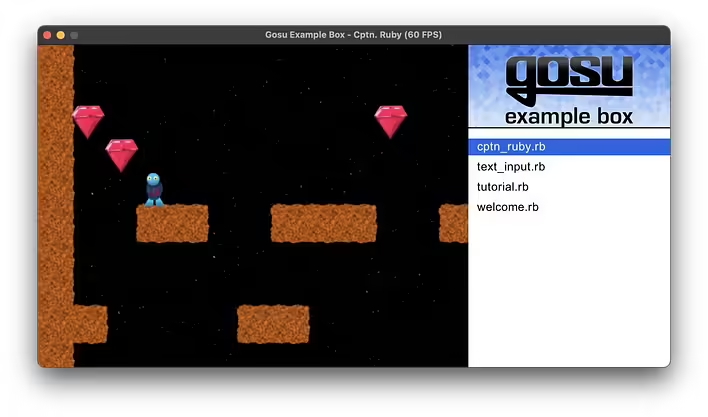
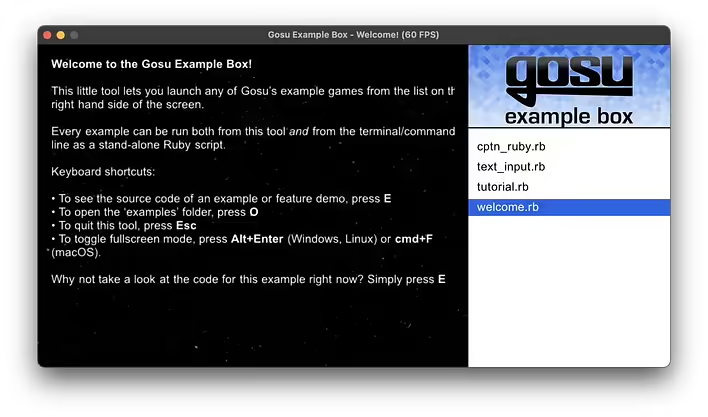
Running gosu-examples to see the window with game examples.
~ gosu-examples
*** Cannot load chipmunk_and_rmagick.rb:
cannot load such file -- chipmunk

*** Cannot load chipmunk_integration.rb:
cannot load such file -- chipmunk

*** Cannot load opengl_integration.rb:
cannot load such file -- opengl

*** Cannot load rmagick_integration.rb:
cannot load such file -- rmagick

![[Fix] Factory not registered: "user" (KeyError) (FactoryBot / Rails 7)](https://cdn.tseivo.com/dbn83mvf8axyl0us0y4fm3tksdk1)