Final stage of installing Ubuntu. Post-installation configuration of Ubuntu.
This note will talk about the standard post-installation setup after installing Ubuntu. By post-installation setup, I mean the window that the operating system shows us after installing Ubuntu and the first login. The...
·2 min. read
Share
This content has been automatically translated from Ukrainian.
This note will talk about the standard post-installation setup after installing Ubuntu. By post-installation setup, I mean the window that the operating system shows us after installing Ubuntu and the first login. The setup is subjective and describes my experience/configuration.
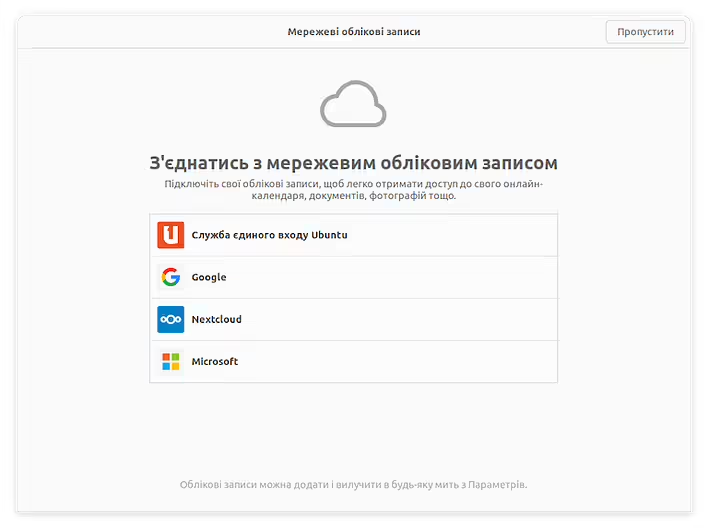
Мережеві облікові записи (Ubuntu)
From the very beginning, Ubuntu asks us about connecting network accounts to sync calendars, documents, etc. I skip this step because I will most likely use this laptop for experiments.
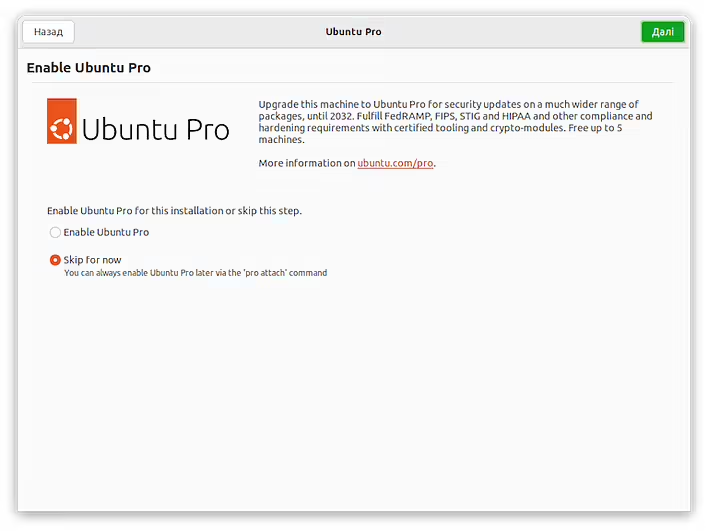
Enable Ubuntu Pro
Ubuntu Pro - we skip this as well. We choose Skip for now (for some reason this window is not translated into Ukrainian).
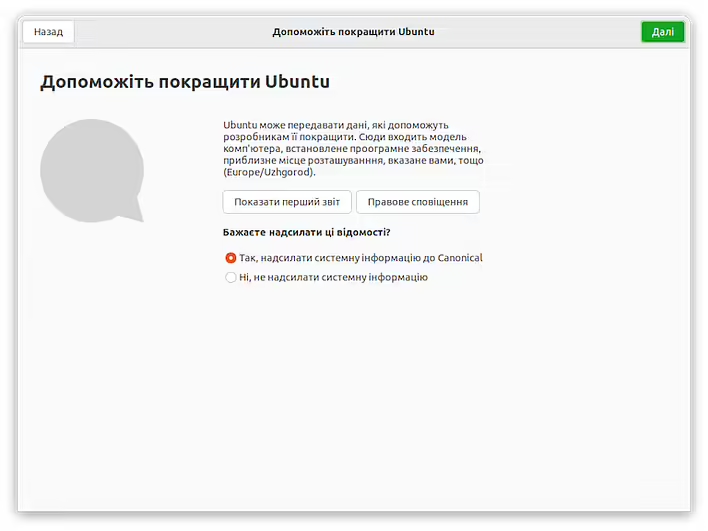
Допоможіть покращити Ubuntu
Usually, I allow sending system information. This is a small contribution to improving products (in this case, Canonical).
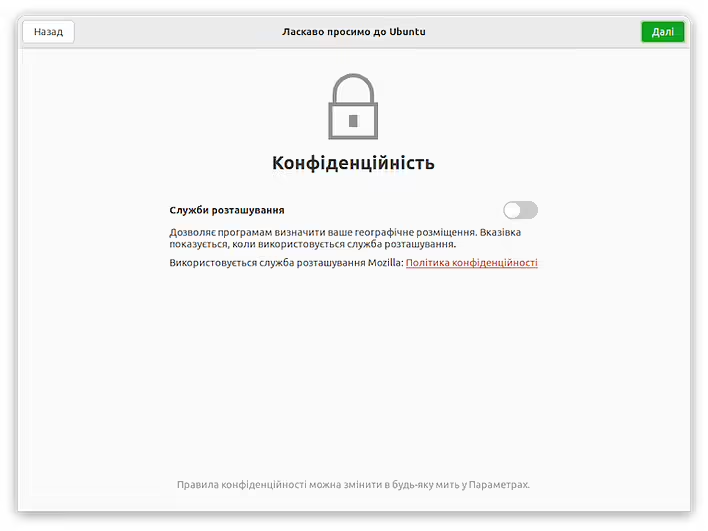
Конфіденційність (Ubuntu)
However, I do not enable location services until I am sure that it is really necessary. This does not mean that I am wearing a tin foil hat. It is more about saving resources/battery.
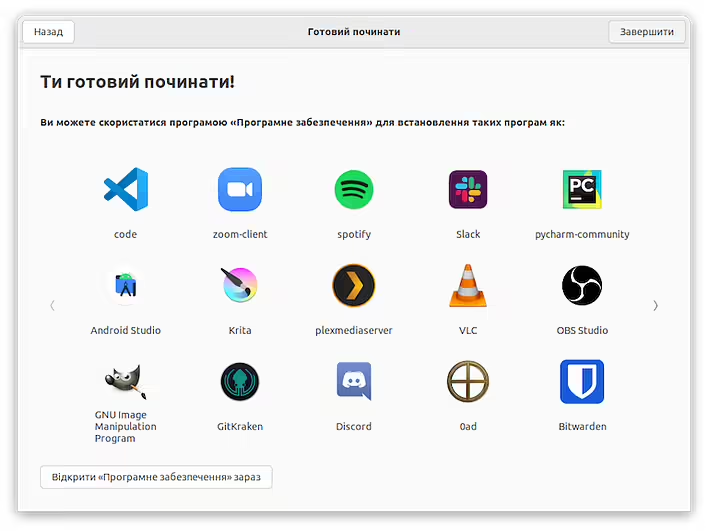
Ти готовий починати! (Ubuntu)
The last window gives us the option to go to 'Software' and install all the necessary programs. But I will do this separately. So, you can click 'Finish'.
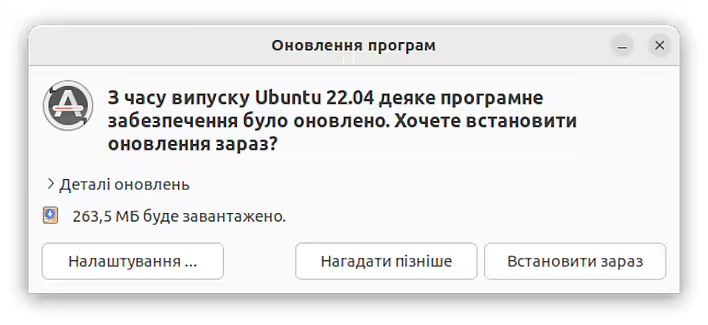
If you are already connected to the internet - Ubuntu will want to update. So we will not interfere and click 'Install Now'.
Оновлення програм (Ubuntu)
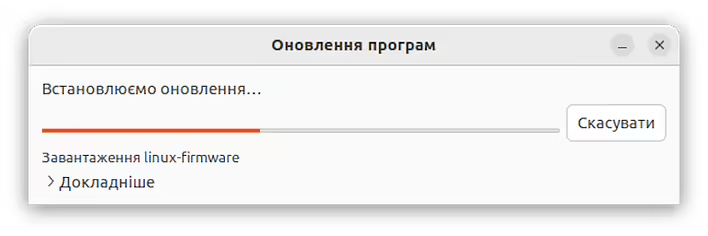
After downloading and installing, you will need to restart the computer.
Встановлюємо оновлення (Ubuntu)
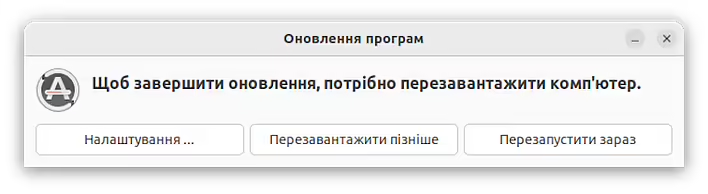
So we click on 'Restart Now'.
Завершення оновлення Ubuntu
After restarting the system, we can calmly start working with Ubuntu. Later, we will take a closer look at the first steps of working with Ubuntu.

![[Fix] extconf.rb failed during the installation of the Ruby library Gosu](https://cdn.tseivo.com/0ecmyhdaifoxn1pv8ei5ij54scgj)